
Without AI
Open Figma, build five frames from scratch, write five headlines, hand-edit every device frame, then redo it for iPad. A week of work for a single language.
Turn raw app screens into polished App Store sets with copy, layout, and art direction generated for you. Real product UI, not stock-y AI artifacts.
Free to start. Plans from $9/mo, cancel anytime.
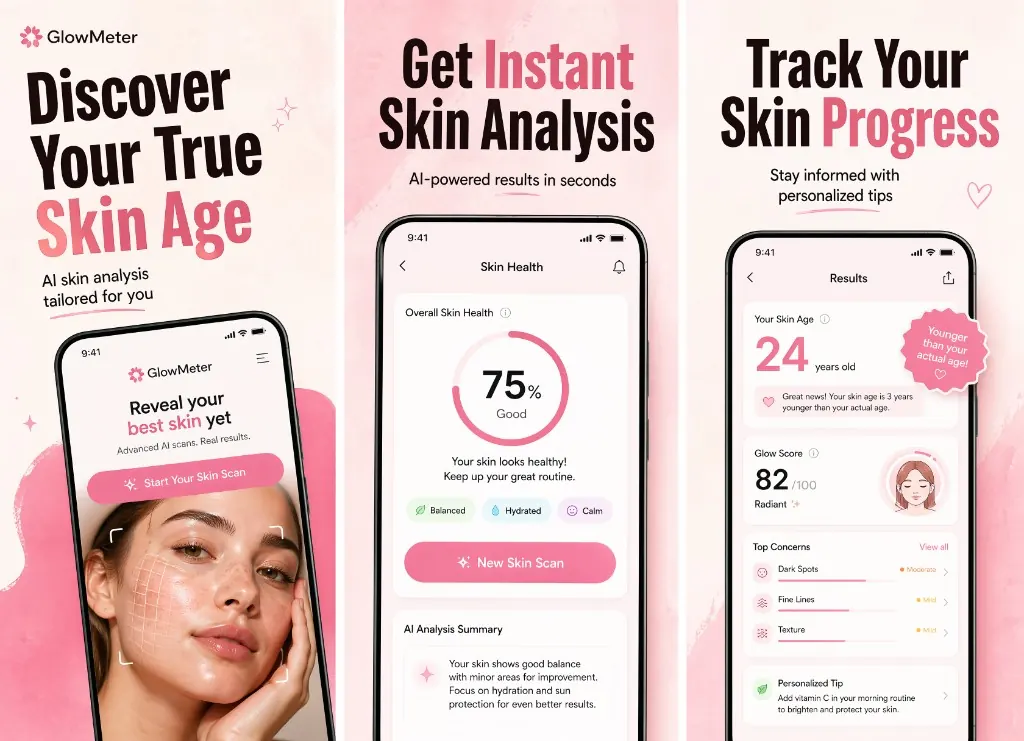
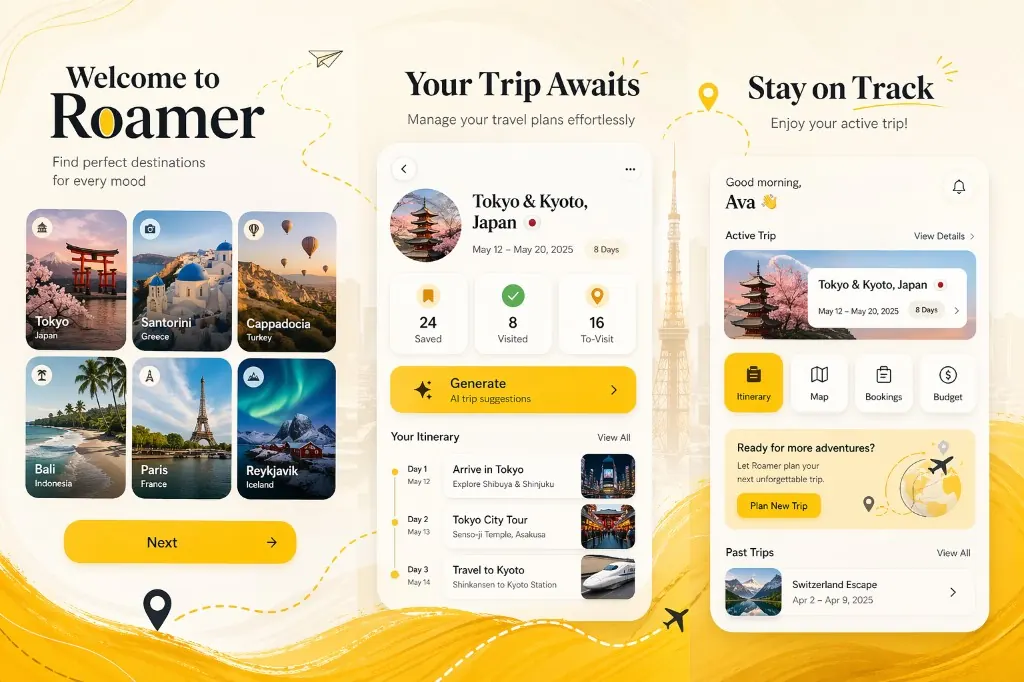
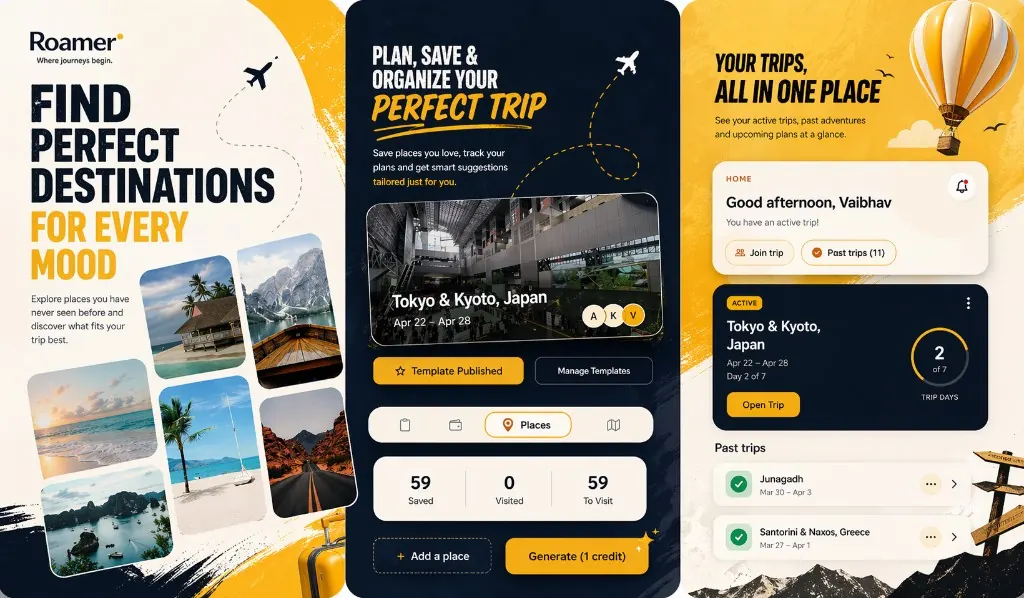
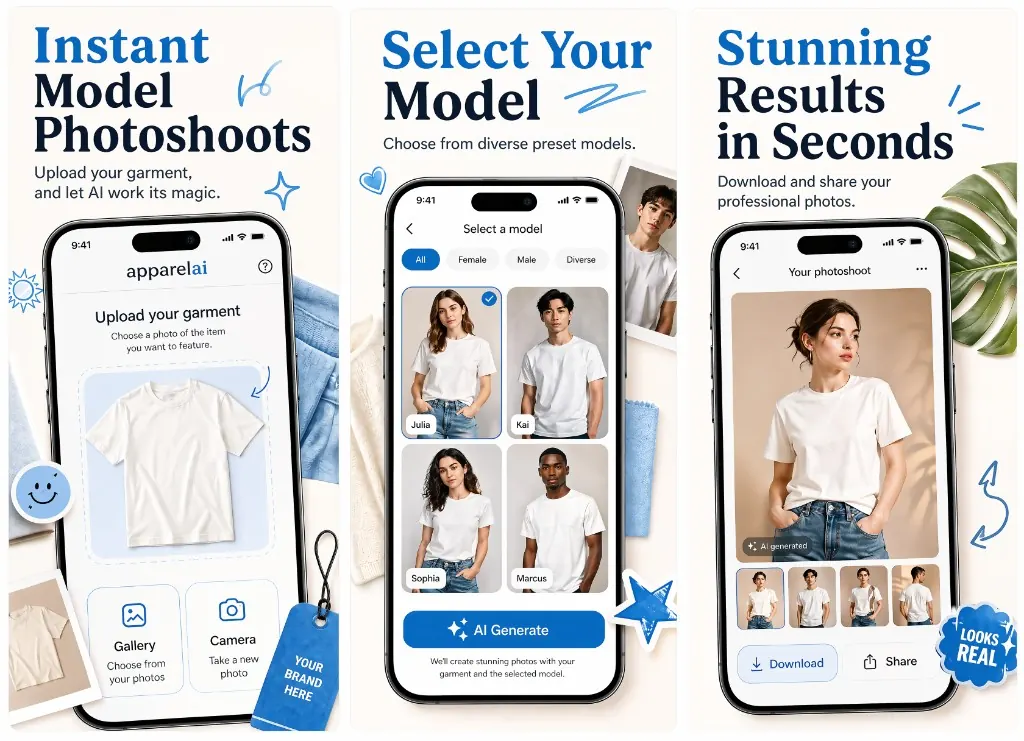
Open Figma, build five frames from scratch, write five headlines, hand-edit every device frame, then redo it for iPad. A week of work for a single language.
Drop in raw screens, accept or tweak the generated copy, pick a direction, export iPhone and iPad finals. Hours, not days — even before you start localizing.
AI writes short, scannable headlines and supporting lines tuned for App Store browsers — not blog post sentences pasted onto a screen.
The first generation locks a creative direction. Subsequent frames stay visually consistent so the listing reads like one set, not five orphans.
Backgrounds, device framing, and typographic rhythm are handled. You start from a polished baseline and refine, instead of fighting a blank canvas.
Try a different angle, swap copy, regenerate a frame — without rebuilding the whole set. Fast iteration is where AI screenshots actually win.
The AI does the first 80%. You spend your time on the last 20% that actually moves conversion — the headline, the hook frame, the categorisation cue.
Paste your App Store URL or upload raw screens — Ryplix reads the product context.
Generate one preview direction with copy, layout, and art direction baked in.
Refine copy or visuals per frame, then export iPhone and iPad finals.
Try it now
Free to start with 5 screenshot credits — paid plans from $9/mo, cancel anytime.