Free to start · 5 screenshot credits on signup

AI App Store Screenshot Generator for iPhone and iPad.

Generate App Store-ready iPhone and iPad screenshots from raw app screens, product details, or an existing store listing. AI handles the copy, the layout, and the export sizes.

Free to start. Plans from $9/mo, cancel anytime.
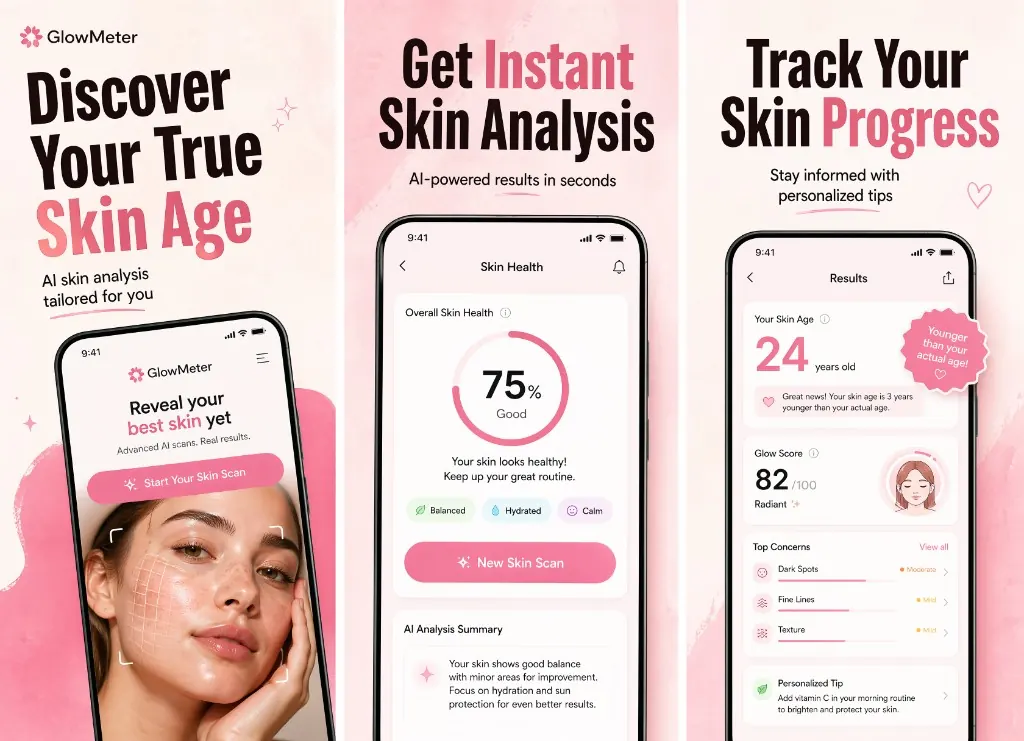
iPhone finalsiPad finalsAI copyExport-ready
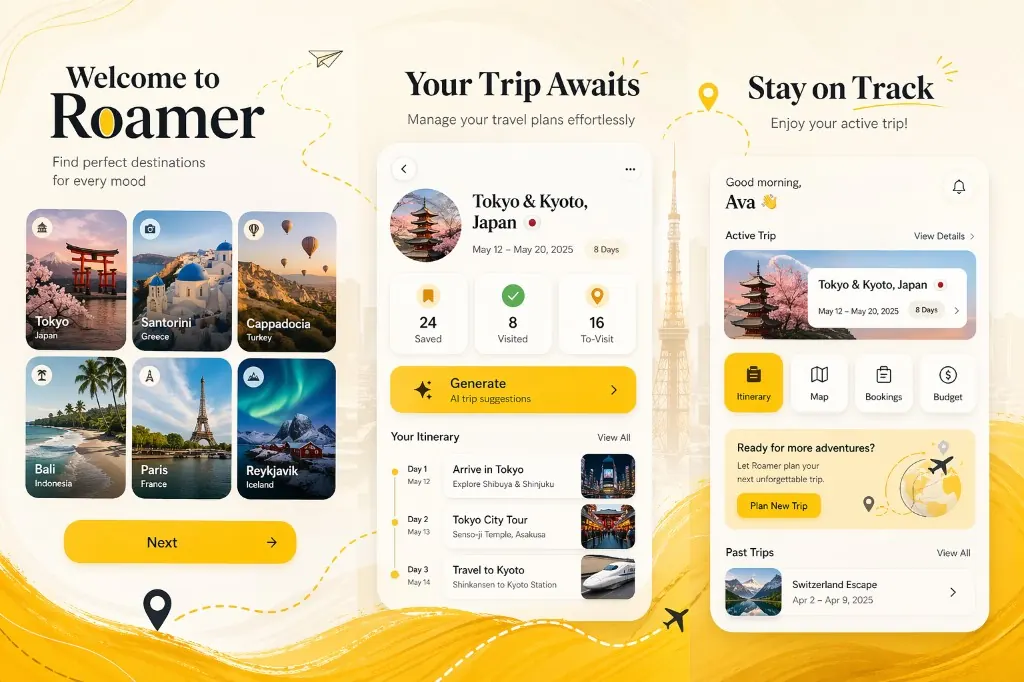
AI-generated App Store screenshot set with editorial product copy
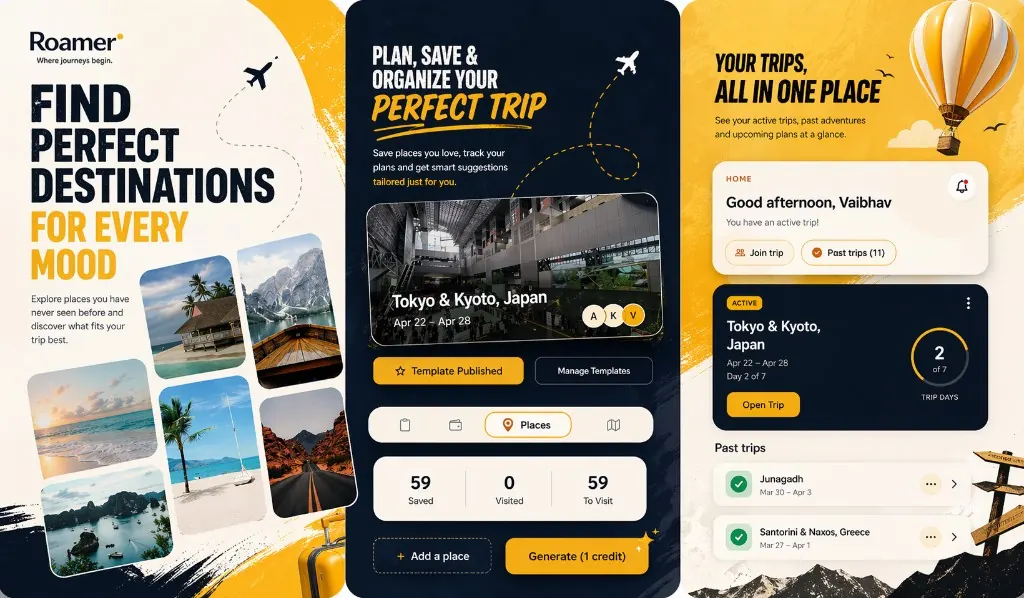
Mobile app screenshot design with polished store listing layout
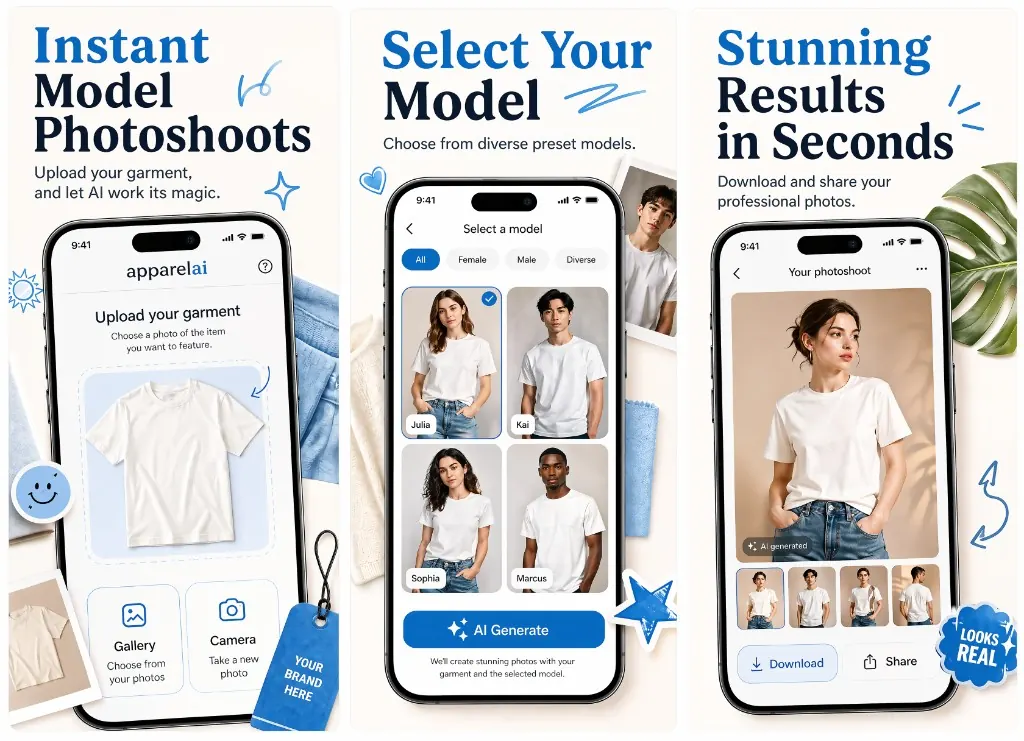
App Store screenshot mockup showing feature-focused marketing copy
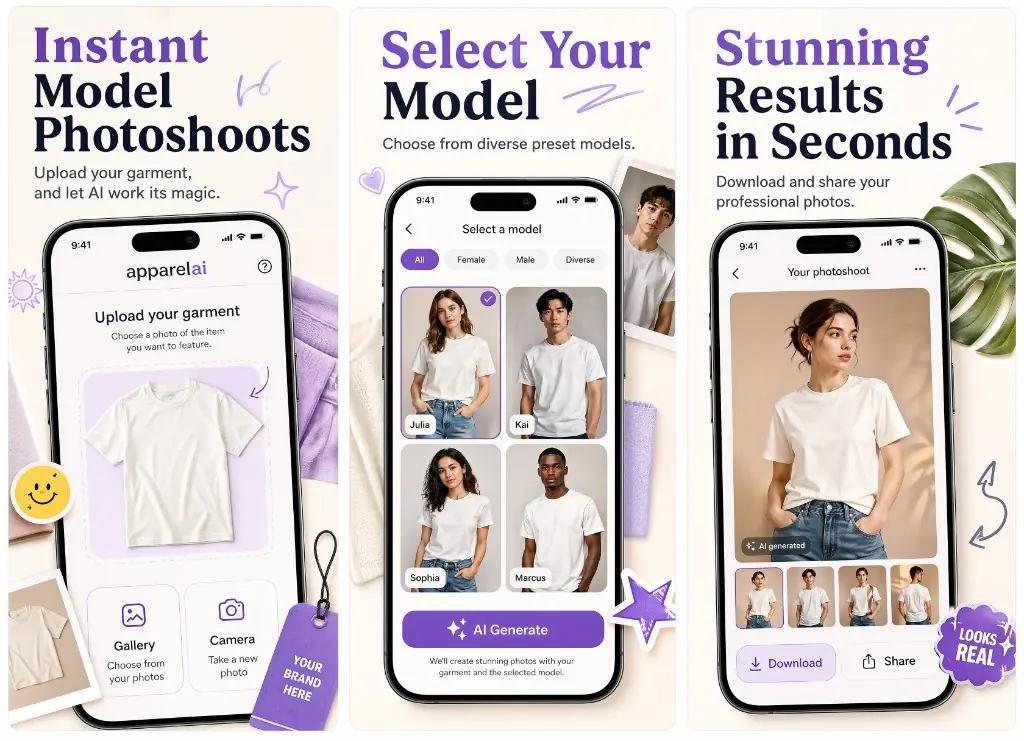
AI app screenshot generator output with cohesive visual direction
Localized app marketing screenshot concept for store conversion
Definition

What is an App Store screenshot?

An App Store screenshot is a portrait image attached to an app’s App Store or Google Play listing that previews the user interface and value proposition. Apple accepts up to ten screenshots per device family per locale; only the first three appear in App Store search results and on the small-card preview, which is why Ryplix's listing analysis consistently shows the first three screenshots carrying roughly 80% of the install conversion lift.

Modern App Store screenshots are not raw OS captures. They are composed marketing units — a real product screen layered with a short headline, a benefit clause, and brand framing — exported in the exact pixel sizes Apple and Google require for upload to App Store Connect or Google Play Console.

For sizing requirements, the five-rule conversion framework, and common mistakes, see the complete App Store screenshots guide.

iPhone 6.9" portrait
1290 × 2796 px. Required for iPhone 16 Pro Max, 15 Pro Max, 14 Pro Max — the primary device size Apple displays in 2026 search results.
iPhone 6.5" portrait
1242 × 2688 px. Legacy size still accepted as a fallback if 6.9" is supplied.
iPad Pro 13" portrait
2064 × 2752 px. Required for the iPad listing if your app supports tablet.
iPad Pro 11" portrait
1668 × 2388 px. Apple uses this as the default iPad preview when 13" is not provided.
Screenshots per locale
Up to 10 per device family per locale on iOS. Slots 1–3 are above the fold in App Store search.
Headline length
Aim for 4–7 words per screenshot headline. Anything longer truncates on smaller iPhone search cards.
How it works

One approved direction, multiple final device outputs.

The first generation creates the creative direction. After that, choose the final output you need: iPhone, iPad, or both when the launch requires a complete device set.

  1. Step 01

    Generate one preview concept from your app details or App Store listing.

  2. Step 02

    Choose iPhone or iPad as the final output after the preview looks right.

  3. Step 03

    Download polished final screenshots for your App Store product page.

Built for App Store assets

Clean final screenshots for phone and tablet listings.

1290 × 2796 portrait

iPhone screenshots

Use iPhone finals for the primary App Store gallery and launch pages.

2064 × 2752 portrait

iPad screenshots

Generate iPad finals when your listing needs tablet-ready screenshots.

Why it matters

Screenshot quality is product positioning.

Strong screenshots tell visitors what your app does before they read the description. Ryplix helps make that first scan clear.

iPhone and iPad outputs

Create final assets for the main App Store device families from the same approved preview direction.

Copy and composition included

Ryplix writes short screenshot headlines and frames each screen so the value is clear at a glance.

Built for shipping speed

Start from raw screens, skip the blank canvas, and get a polished screenshot set ready for review.

Frequently asked

The questions people actually ask.

Can Ryplix generate iPhone and iPad App Store screenshots?
Yes. Generate the required preview first, then choose iPhone or iPad for the final screenshot set.
Is there a free tier for the App Store screenshot generator?
Yes. New accounts get 5 screenshot credits on signup, no credit card required. Paid plans start at $9 per month for 60 monthly credits.
Do I need design skills to use it?
No. Ryplix handles the screenshot copy, layout direction, and final visual polish from your app details and screens.
What file formats does Ryplix export?
Ryplix exports App Store-ready PNGs at the exact pixel dimensions Apple App Store Connect accepts for each device family, ready to upload directly without resizing.
Does Ryplix work for Google Play screenshots too?
Ryplix is iOS-first today. Generated finals can be reused on Google Play, but native Android screenshot sizing and Play Store-specific layouts are on the roadmap.
Can I use my own brand colors and fonts?
Yes. Ryplix imports brand colors from your existing App Store listing or app screens automatically, and you can iterate the layout with prompt edits and reference images.
How long does it take to generate a screenshot set?
A preview concept generates in a couple of minutes. After you approve the preview, the full iPhone or iPad screenshot set renders in under five minutes.
Can I make another device size after generating one final set?
Yes. After the preview is approved, you can generate iPhone finals, switch to iPad, and generate tablet finals from the same direction.

Ready to ship a stronger listing?

Generate the first screenshot direction for your app.

Free to start with 5 screenshot credits — paid plans from $9/mo, cancel anytime.

Written and maintained by Dhruval Golakiya, Founder of Ryplix Studio. Last reviewed .