
Simple production target
Use the page as a quick checkpoint before generating final iPhone or iPad screenshots in Ryplix Studio.
A practical reference for common iPhone and iPad screenshot dimensions, plus the final sizes Ryplix Studio generates today.
Free to start. Plans from $9/mo, cancel anytime.

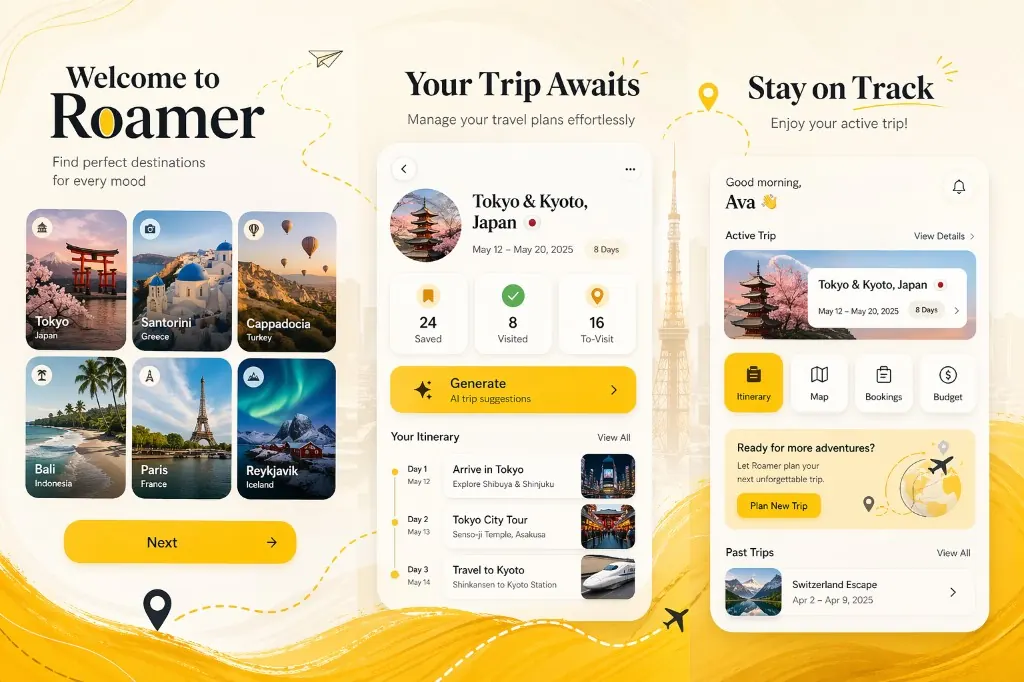
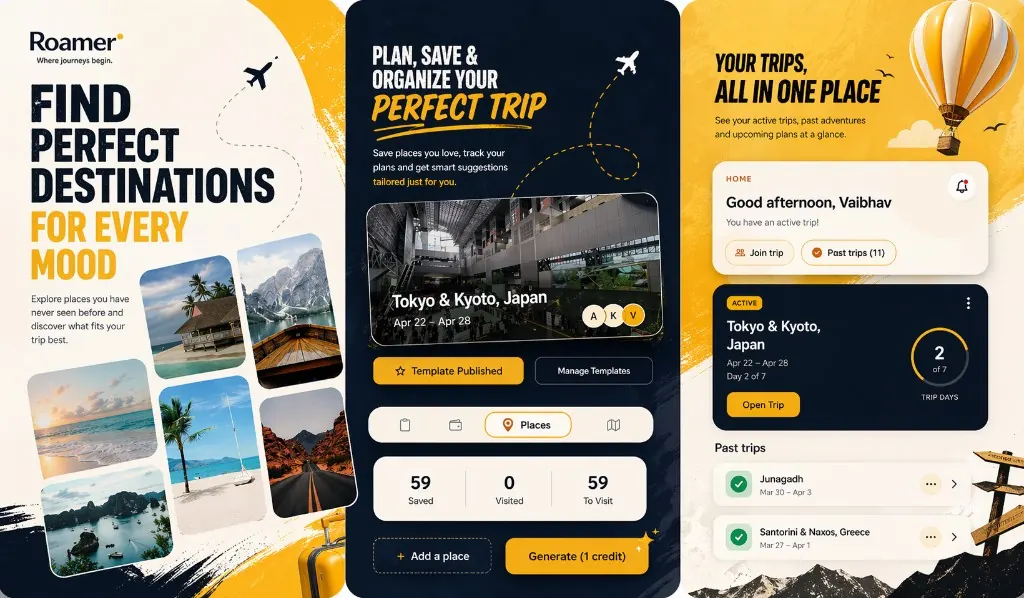
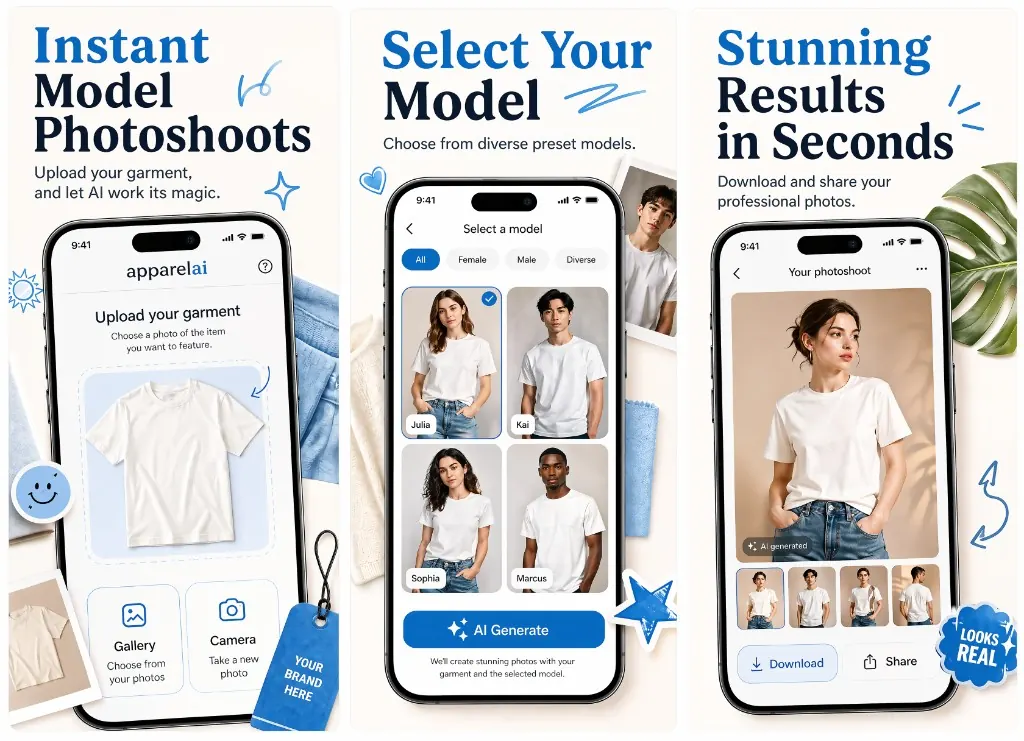
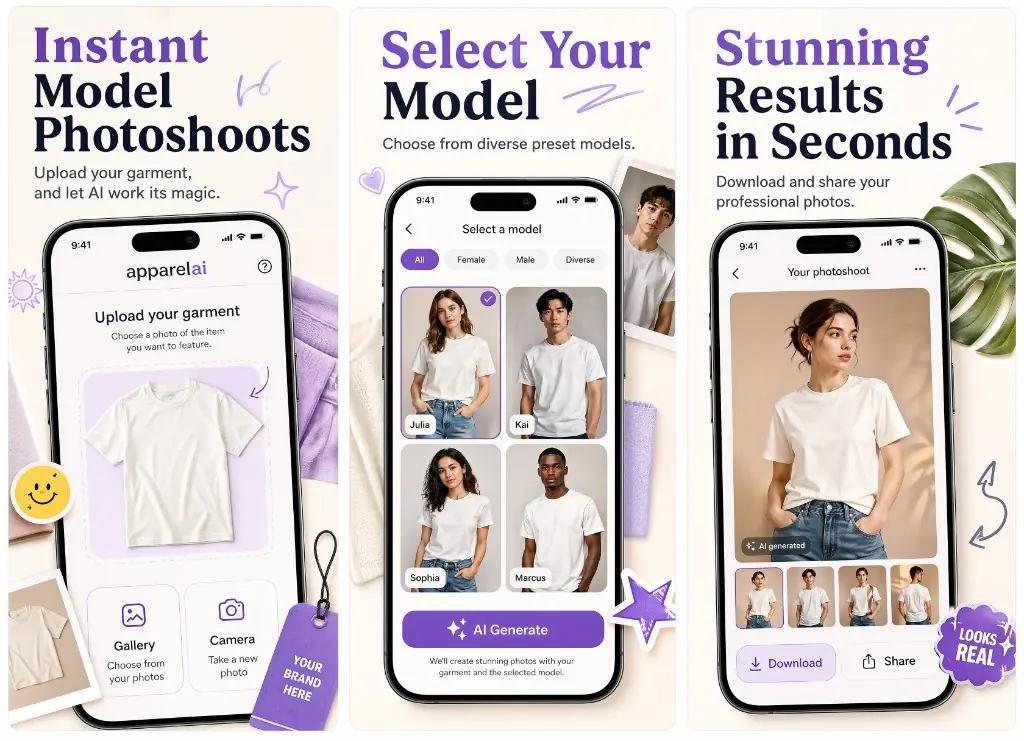
Use this page to understand the main App Store screenshot families, then generate polished iPhone or iPad screenshots in Ryplix Studio.
Start by creating the screenshot direction. After the preview is ready, choose the device output that matches your App Store upload needs.
Check whether the listing needs iPhone, iPad, or both device families.
Generate the preview direction inside Ryplix Studio.
Create the final iPhone or iPad outputs and verify requirements in App Store Connect.
Apple supports many device families. Ryplix Studio keeps the generation flow focused on current iPhone and iPad final outputs for app teams shipping store assets quickly.
Use the page as a quick checkpoint before generating final iPhone or iPad screenshots in Ryplix Studio.
Ryplix Studio focuses on 1290 x 2796 iPhone finals and 2064 x 2752 iPad finals for a clean launch workflow.
Create the creative direction first, then choose the final device output when you know what you want to ship.
The size table points back to Apple's official App Store Connect screenshot reference for final verification.
This table summarizes current Apple screenshot families that matter most for iPhone and iPad uploads, along with Ryplix Studio's generated final sizes.
Portrait: 1290 x 2796
Landscape: 2796 x 1290
Current Ryplix Studio iPhone portrait final export.
Portrait: 2064 x 2752
Landscape: 2752 x 2064
Current Ryplix Studio iPad portrait final export.
Portrait: 1260 x 2736 / 1290 x 2796 / 1320 x 2868
Landscape: 2736 x 1260 / 2796 x 1290 / 2868 x 1320
Accepted large iPhone screenshot sizes in Apple's current reference.
Portrait: 1284 x 2778 / 1242 x 2688
Landscape: 2778 x 1284 / 2688 x 1242
Required if the app runs on iPhone and 6.9-inch screenshots are not provided.
Portrait: 2064 x 2752 / 2048 x 2732
Landscape: 2752 x 2064 / 2732 x 2048
Required if the app runs on iPad.
Portrait: 1488 x 2266 / 1668 x 2420 / 1668 x 2388 / 1640 x 2360
Landscape: 2266 x 1488 / 2420 x 1668 / 2388 x 1668 / 2360 x 1640
Apple can use scaled screenshots for this family when higher required iPad sizes are provided.
Specs are summarized from Apple's App Store Connect screenshot reference. Always confirm final upload requirements in App Store Connect before submission.
Open the page for the device you are sizing screenshots for. Each guide lists the recommended portrait dimensions, accepted alternatives, Apple's slot rules, and tips for the device family.
Ready to ship a stronger listing?
Free to start with 5 screenshot credits — paid plans from $9/mo, cancel anytime.