
2064 x 2752 tablet finals
Create portrait iPad outputs for App Store listings that need tablet screenshots.
Generate tablet-ready App Store screenshots with iPad-native framing, stronger copy, and clean 2064 x 2752 final exports.
Free to start. Plans from $9/mo, cancel anytime.

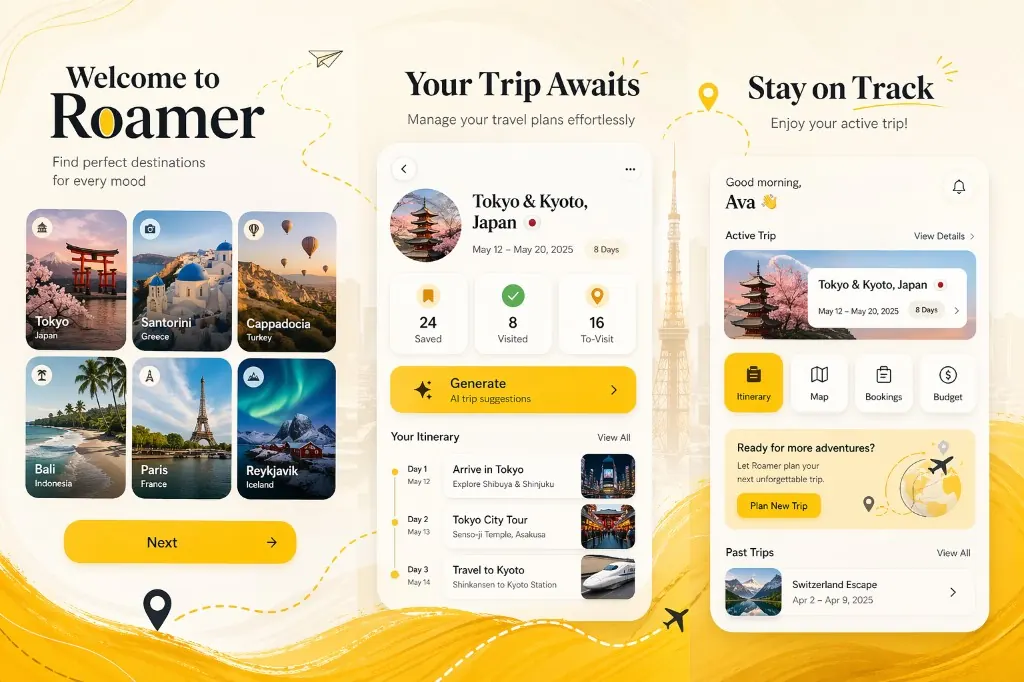
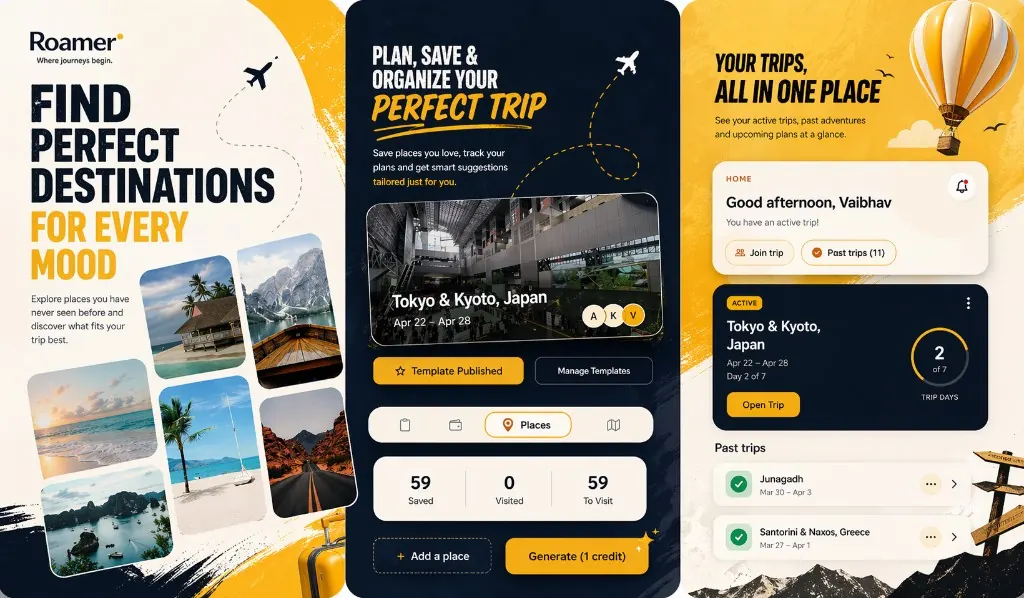
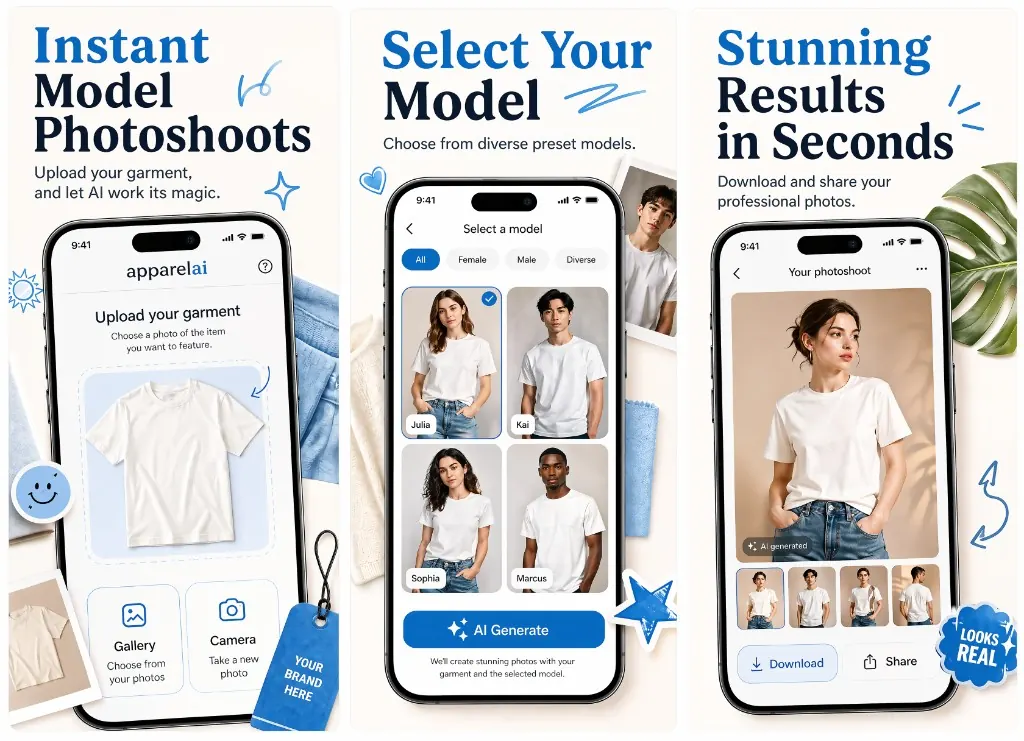
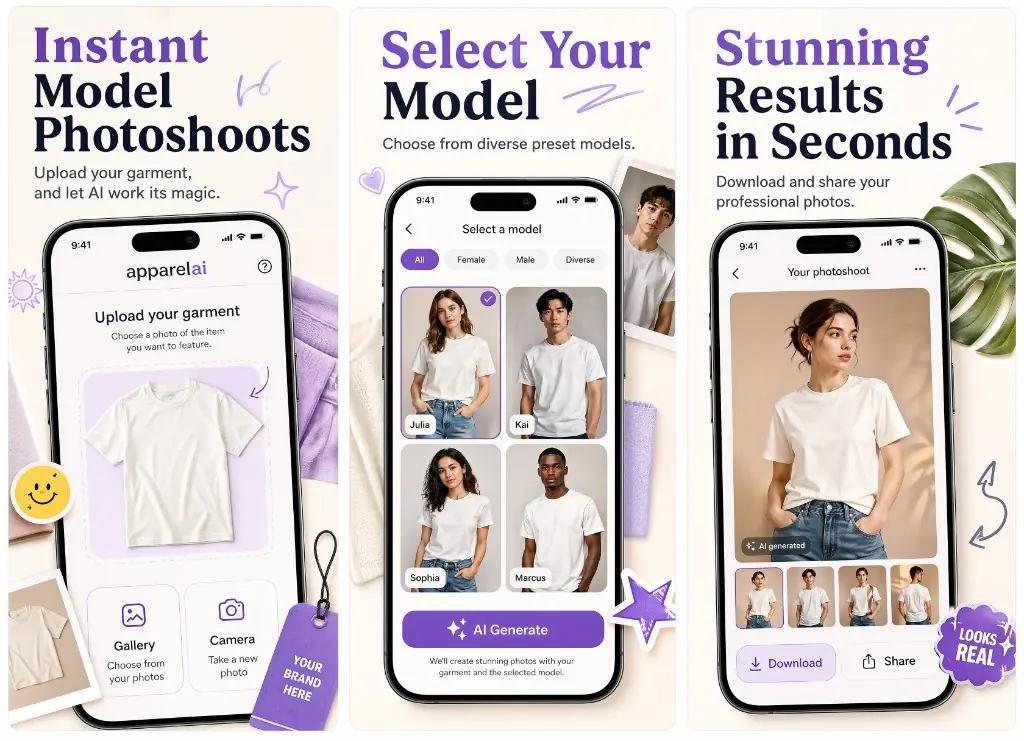
Use the approved preview direction, then create iPad finals with more space, clearer structure, and tablet-friendly composition.
The first preview stays mandatory. After that, iPad generation is optional and separate, so final credits go toward the device set you choose.
Generate the first screenshot preview from app details or store data.
Review the direction and choose iPad as the final output.
Download three tablet-ready portrait screenshots at 2064 x 2752.
iPad screenshots should not feel like enlarged phone posters. Ryplix Studio gives the tablet layout more space and rebalances the visual hierarchy.
Create portrait iPad outputs for App Store listings that need tablet screenshots.
Ryplix Studio adapts the approved direction for a wider iPad portrait canvas with more breathing room.
Generate only iPad finals when that is what you need, without spending final credits on iPhone outputs first.
Use the same approved creative idea to create iPhone or iPad finals from a clear post-preview selector.
Ryplix Studio outputs the 2064 x 2752 portrait size while this reference summarizes the current Apple iPad screenshot families.
Portrait: 2064 x 2752
Landscape: 2752 x 2064
Ryplix currently creates portrait iPad final panels at 2064 x 2752.
Portrait: 2064 x 2752 / 2048 x 2732
Landscape: 2752 x 2064 / 2732 x 2048
Required if the app runs on iPad, according to Apple’s screenshot reference.
Portrait: 1488 x 2266 / 1668 x 2420 / 1668 x 2388 / 1640 x 2360
Landscape: 2266 x 1488 / 2420 x 1668 / 2388 x 1668 / 2360 x 1640
Apple can use scaled screenshots from the 13-inch display set when accepted sizes are not provided.
Specs are summarized from Apple's App Store Connect screenshot reference. Always confirm final upload requirements in App Store Connect before submission.
Ready to ship a stronger listing?
Free to start with 5 screenshot credits — paid plans from $9/mo, cancel anytime.