
1290 x 2796 final exports
Generate portrait iPhone finals for a modern App Store screenshot slot without manually resizing design files.
Create polished iPhone App Store screenshots from your app screens, product details, or an existing store listing.
Free to start. Plans from $9/mo, cancel anytime.
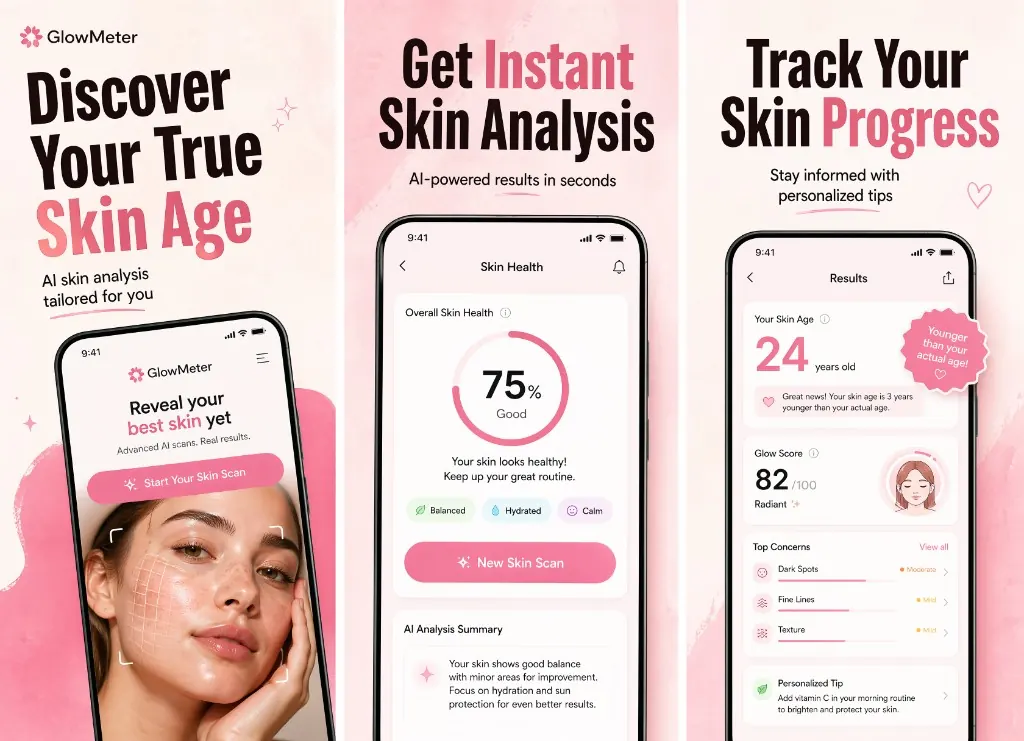
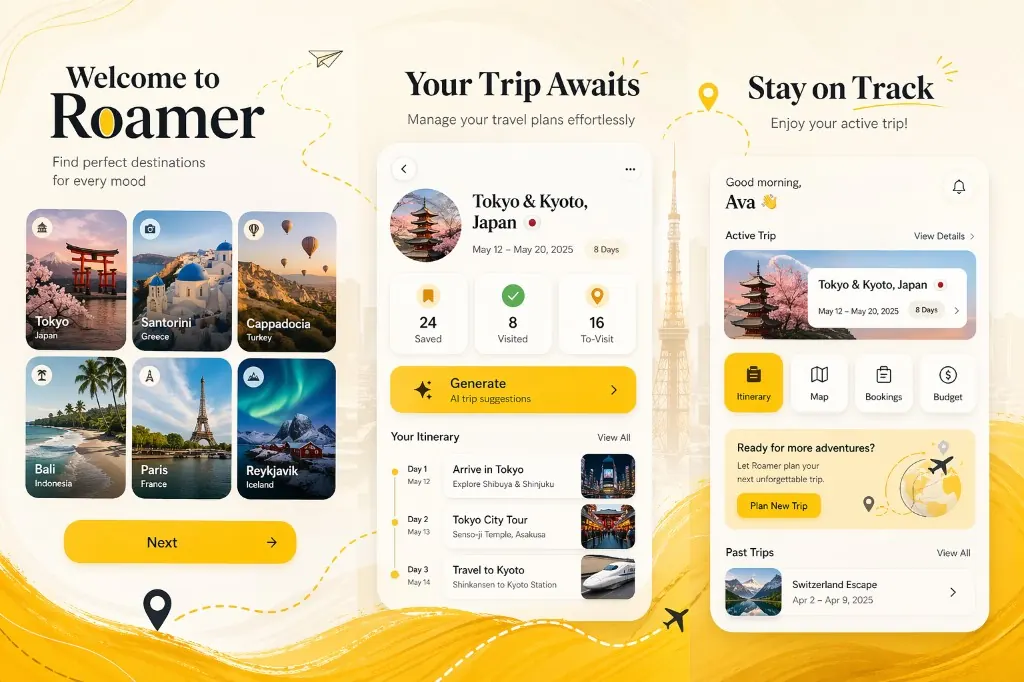
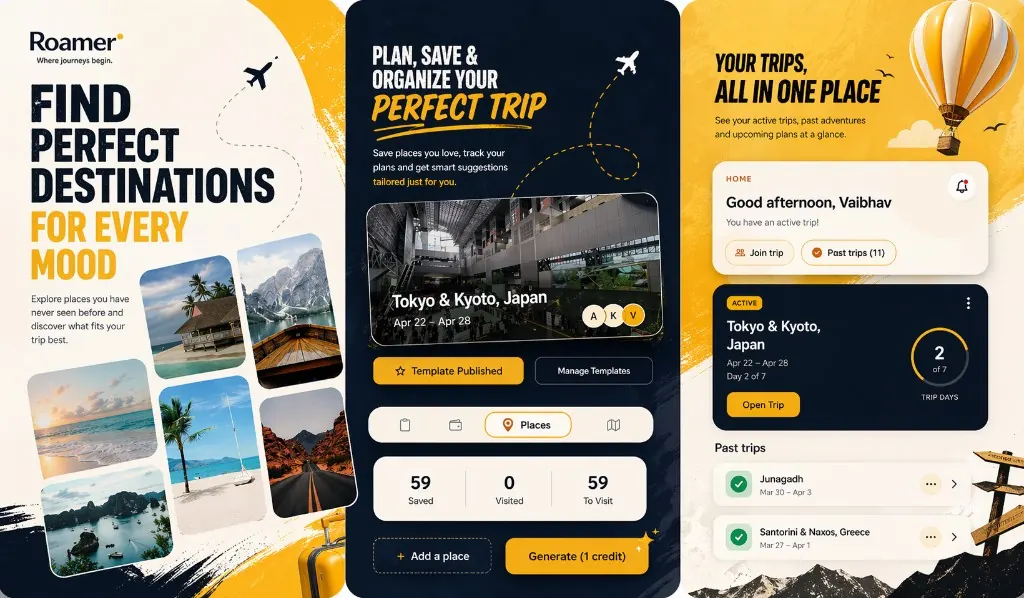
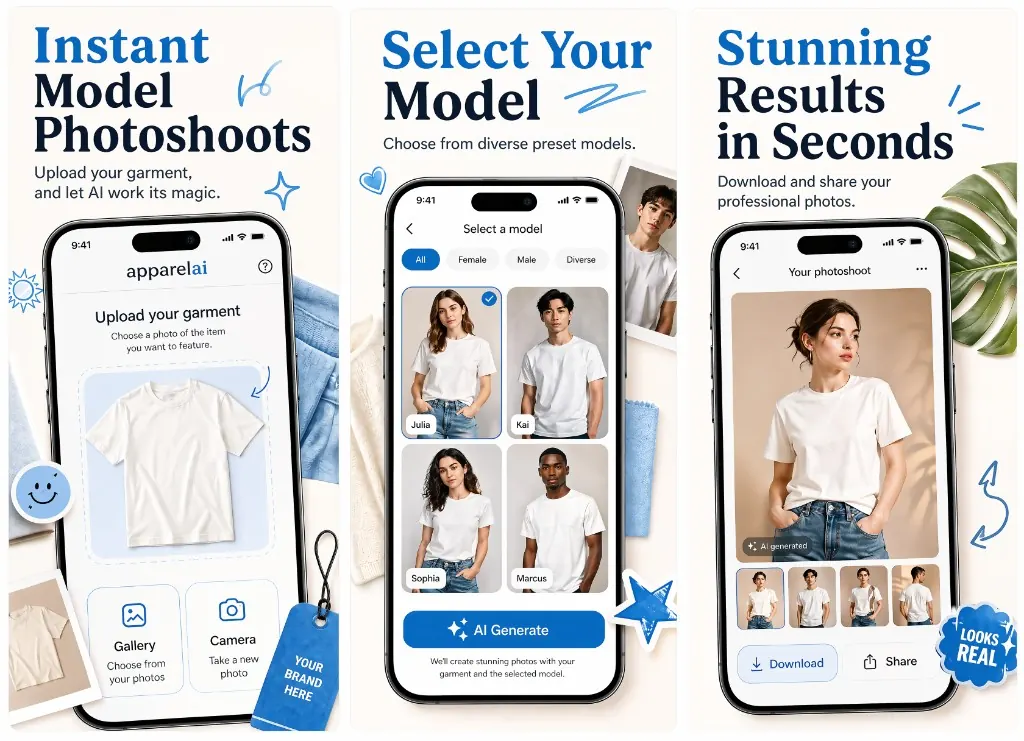
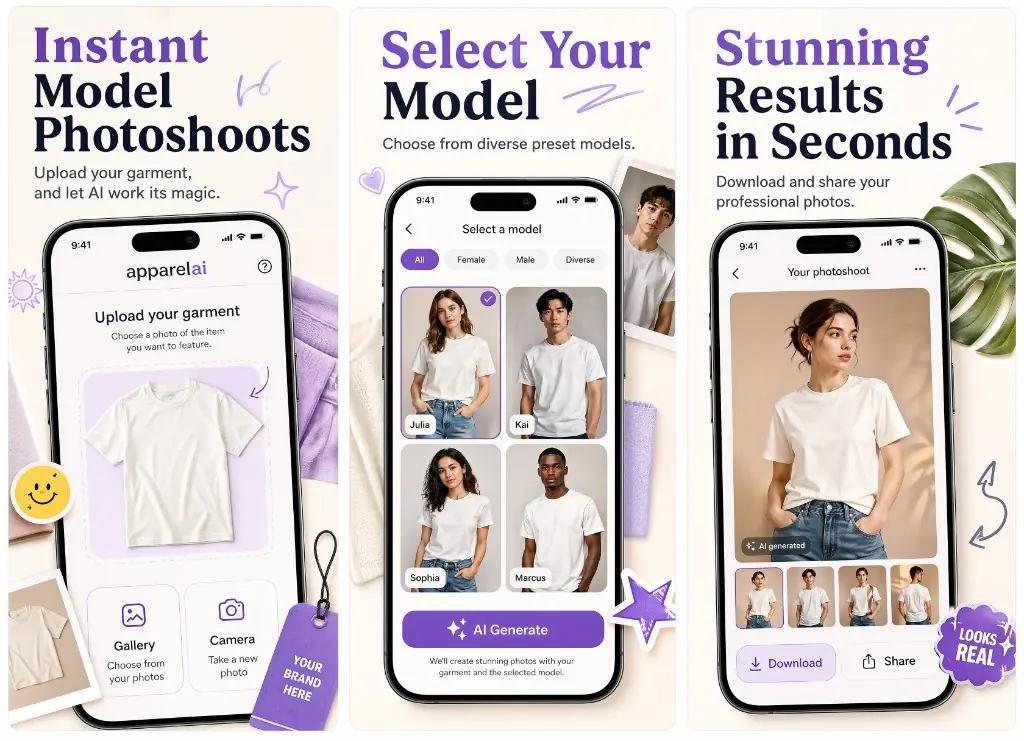
Turn raw phone screens into a cohesive App Store gallery with stronger copy, cleaner framing, and launch-ready visual direction.
The preview step keeps the flow simple: approve the creative direction first, then choose iPhone as the final output when you are ready.
Add app details, upload screens, or import the App Store listing.
Generate and review the first screenshot direction.
Choose iPhone finals and download the 1290 x 2796 outputs.
Your first screenshots usually carry the biggest conversion load. Ryplix Studio helps every panel explain one clear reason to download.
Generate portrait iPhone finals for a modern App Store screenshot slot without manually resizing design files.
Get the creative direction right first, then spend credits only on the final iPhone set you actually want.
Ryplix Studio keeps headlines short and layouts clean so users understand your app before they read the description.
Start from your current app UI and let the generator wrap it in stronger launch-ready presentation.
Ryplix Studio focuses on modern portrait iPhone finals while keeping the page grounded in Apple's current accepted screenshot dimensions.
Portrait: 1290 x 2796
Landscape: 2796 x 1290
Ryplix currently creates portrait iPhone final panels at 1290 x 2796.
Portrait: 1260 x 2736 / 1290 x 2796 / 1320 x 2868
Landscape: 2736 x 1260 / 2796 x 1290 / 2868 x 1320
Accepted sizes for current large iPhone screenshot uploads.
Portrait: 1284 x 2778 / 1242 x 2688
Landscape: 2778 x 1284 / 2688 x 1242
Required when 6.9-inch screenshots are not provided.
Specs are summarized from Apple's App Store Connect screenshot reference. Always confirm final upload requirements in App Store Connect before submission.
Ready to ship a stronger listing?
Free to start with 5 screenshot credits — paid plans from $9/mo, cancel anytime.